
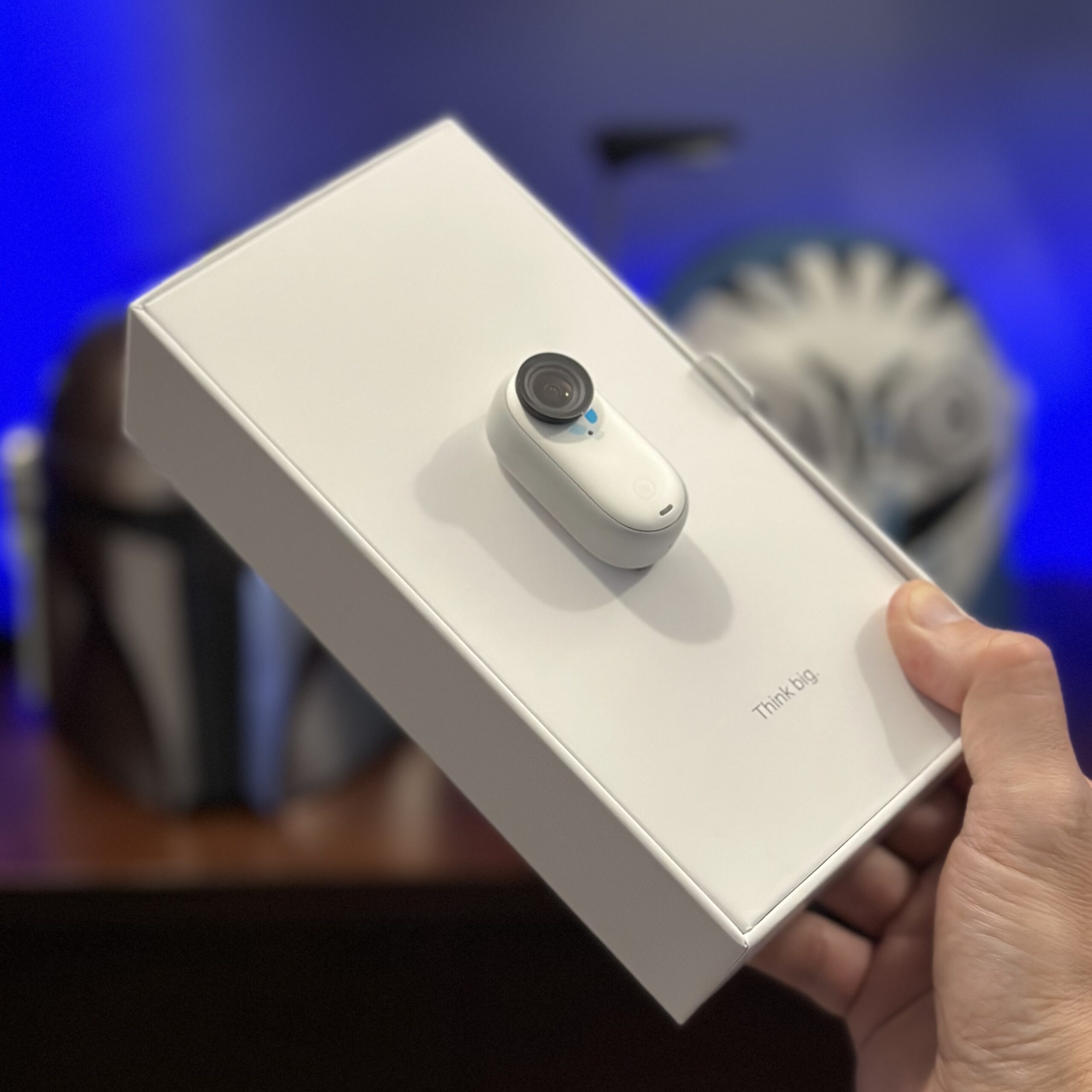
New toy to play with. I loved the Insta360 GO 2 so an upgrade to the newly released GO 3 was a must!
 We shoot Motorz with a limited crew, and sometimes I’m even flying solo. Filming a 22-minute (half hour format) television series on a budget has its challenges, but they are so much fun to work around it’s part of the game. Take for example my recent challenge. I wanted to be able to ceiling-mount one of our three Canon 60D DSLRs so I could position a camera anywhere overhead (within ... (more)
 It’s amazing what you can do these days with a limited production budget and some knowledge… including producing a national TV show.
Technology, within regard to video production, is an amazing thing. It’s constantly improving on a weekly basis on all fronts, including hardware and software. If you don’t stay in touch with the changes you are not doing yourself any favors. I can vouch for this with my own ... (more)
 If a 61-point autofocus and an ISO range up to 204,800 doesn’t make you giddy, how about the fact that videographers can now record up to 30 minutes (actually 29 minutes and 59 seconds) in one 4GB file–and when that fills up, it automatically starts a new one?
Yes, continuous recording is now here with the introduction of the new Canon 1D X ($6800), Canon’s new top-of-the-line DSLR. What? You ... (more)
One of the more impressive videos of time lapse photography that I’ve seen.
Chris Duke from Motorz TV http://www.motorz.tv shows you how to lower a 2008 Ford Mustang GT (S197) with an Eibach lowering kit, and how to install Hella LED tail lights on a Toyota Tundra and a Chevy 1500.
Show notes: http://www.motorz.tv/mustang-coilovers/
Website: http://www.motorz.tv/
Facebook: http://www.facebook.com/motorztv
Twitter: http://twitter.com/motorz/... (more)
 Making videos for online is simple enough, but at some point you might want to take your content to television like I have with Motorz. Making a commitment to going from a variable length video series to a half-hour (22 minute) episode series is quite an undertaking. As you explore your options for broadcast, you will quickly find that each channel/network has different requirements. And, depending on their age ... (more)
Seems simple enough. I just need to find a cheese plate “lying around”! You can buy one for $140 (if they ever get them back in stock), but this seems cheap and easy to build.
To save you some time, here’s what he bought to make it:
Glidecam Camera Weight Plate: $15 from B&H
Skateboard: $20 from Target
Wheel upgrade kit: $10 from Target
Then just use any old tripod ... (more)
Here’s a short film I recently created after obtaining the Canon XH A1S.
To view full screen in HD, go to http://www.vimeo.com/7031155
Be sure to watch full screen and turn up your volume. The music is low at the beginning.
This is my first short film created in honor of one of my favorite TV show dramas, “Friday Night Lights”.
Equipment: Canon XH A1S, 1080i60, on a Manfrotto monopod.
Editing: ... (more)
After months of planning and saving, my company (Duke Networks) was finally able to spring for a much-needed new Pro Canon camcorder. I finally had the budget for it last week, but there was a huge problem. All of the usual online retailers I tried were either out of stock, or they were charging a premium. The two I usually purchase my photography and videography equipment from (B&H Photo, and ... (more)
In this episode of MOTORZ TV we show you how to swap out your stock drive shaft and shifter on a 2008 Ford Mustang GT.
Watch the episode, below, and visit the MOTORZ TV website to read more about this install and discuss it with other viewers.
... (more)
You’d think something simple like removing headlights in a newer model vehicle would be pretty easy, right? Nope… in a 2008 Ford Mustang GT you have to remove the whole front bumper! In this episode, I show how it’s done on Motorz TV!
I just pushed out the latest episode of Motorz TV, where I show how to install new brakes and rotors on a 2008 Ford Mustang GT:
This is a very interesting video that explains several techniques for image stabilization on your still camera or camcorder. They are all very inexpensive and their effectiveness varies.
[youtube=http://www.youtube.com/watch?v=k_423BLnrMI]The water bottle technique would be best if you are on the go (walking) but if you’re doing stationary shots, the string technique would best. Enjoy!
Here is another DIY camera stabilization solution that is a bit more involved. It is ... (more)
I love having this new blog… I can post about anything now which is great! Since I didn’t have this set up a few months ago, I thought I’d post it now before I forgot again.
I love trucks and off-roading. While I don’t currently have a truck, my last two vehicles were Ford trucks. I had a 2000 F-150 SuperCab and then a 2001 F-250 Super Duty CrewCab V10! ... (more)